
Geometry Dash has eight classic game modes: Cube, Ship, Ball, UFO, Wave, Robot, Spider and Swing. Update 2.2 also added the Jetpack, a vehicle built for platformer levels. This guide covers each mode’s controls, the update and official level where it first appeared, the portals that change how it plays, and how to practise it.
Key takeaways
- There are eight classic modes. The Jetpack makes nine if you count it.
- The Swing (2.2) is the newest classic mode. Each click flips its gravity.
- Ship, Wave, Swing and Jetpack depend on how long you hold. Cube, Ball, UFO, Robot and Spider depend on when you tap.
- Platformer mode is a type of level, not a vehicle. It removes the auto-scrolling camera.
- As of November 20, 2026, update 2.21 is unreleased. Any “2.21 APK” is fake.
Fact-checked
We checked these key facts against the sources named, on November 20, 2026:
- It was added in 1.9 and first appears in Blast Processing (source: versionmuseum.com)
- Patch 2.202 reached Steam on January 8, 2024, before it reached mobile (source: gamepressure.com)
- It has been in the game since 1.0 and opens Stereo Madness, the first level (source: versionmuseum.com)
- It came with Update 2.0 (August 26, 2015) and debuts in Geometrical Dominator (source: geometry-dash.fandom.com)
- It came with Update 2.2 (December 19, 2023) and debuts in Dash, the 22nd main level (source: store.steampowered.com)
How many game modes does Geometry Dash have?
Geometry Dash has eight classic game modes, and you switch between them with gamemode portals. The Jetpack, added in Update 2.2, is a ninth vehicle built mainly for platformer levels, so some guides count nine. Platformer mode itself is a kind of level, not a vehicle.
This is accurate for the current 2.209 build. RobTop Games, the studio run by Robert Topala (RobTop), released 2.209 on Steam, iOS and Android on October 15, 2026, then followed it with a 2.2091 bugfix. Neither patch added a new mode.
Every Geometry Dash game mode at a glance
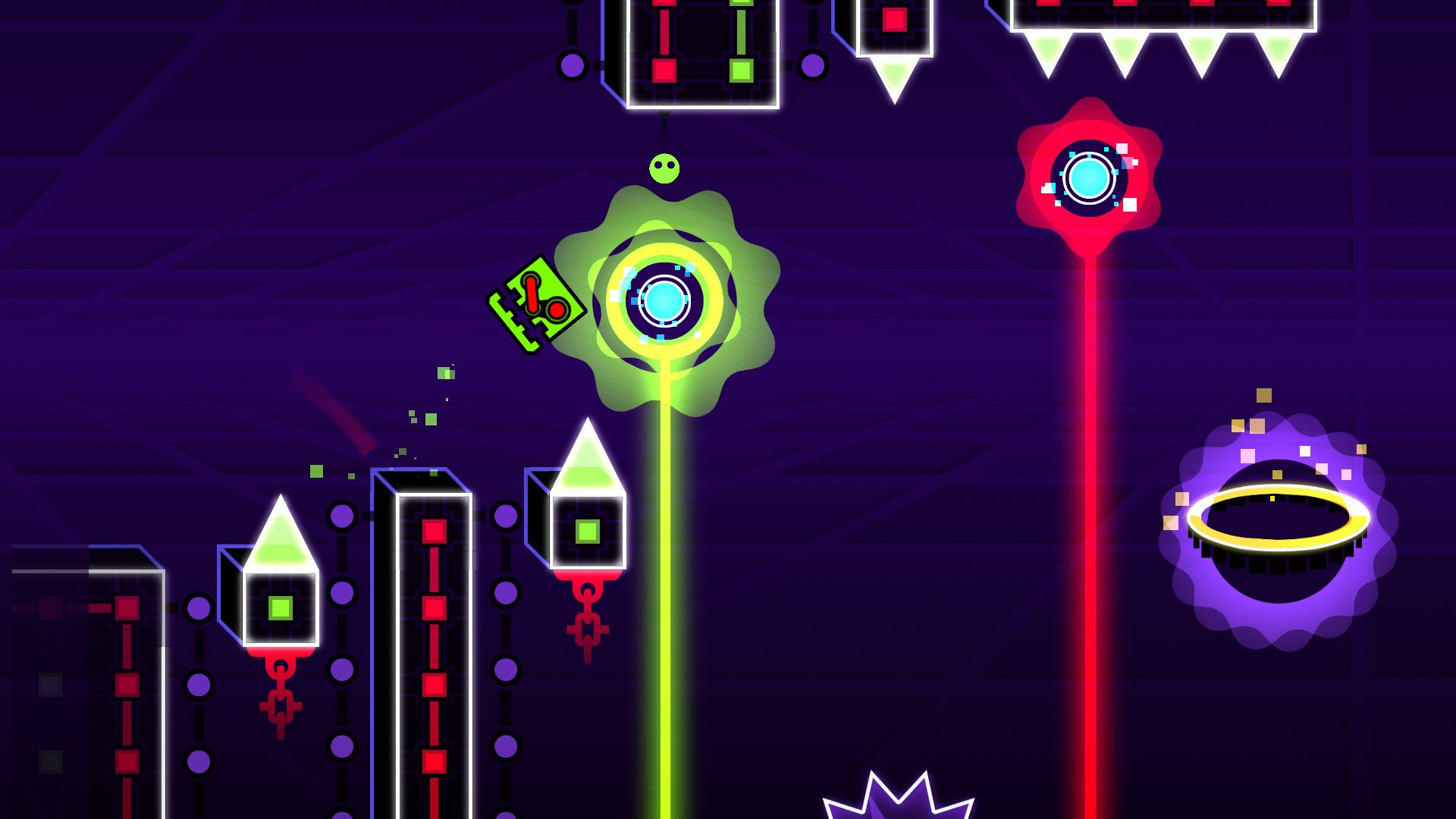
The modes fall into two groups. Tap modes reward timing at one exact moment. Hold modes reward controlling how long you press. The table below shows where each mode sits.
| Mode | Input (hold/tap) | How it moves | Added in update | First official level | Main skill tested | Platformer-only? |
|---|---|---|---|---|---|---|
| Cube | Tap (hold repeats jumps) | Fixed-height jump | 1.0 | Stereo Madness | Jump timing | No |
| Ship | Hold to rise, release to fall | Smooth flight | 1.0 | Stereo Madness | Fine altitude control | No |
| Ball | Tap | Flips between floor and ceiling | Not listed | Not listed | Gravity timing | No |
| UFO | Tap | Small midair hop on each tap | 1.5 | Theory of Everything | Rhythm, hop spacing | No |
| Wave | Hold up, release down | Straight diagonal lines | 1.9 | Blast Processing | Precision in tight corridors | No |
| Robot | Hold length sets jump height | Variable-height jump | 2.0 | Geometrical Dominator | Hold duration | No |
| Spider | Tap | Teleports instantly to the opposite surface | 2.1 | Fingerdash | Reading and reaction | No |
| Swing | Tap (each click flips gravity) | Floating zigzag arcs | 2.2 | Dash | Click rhythm | No |
| Jetpack | Hold to thrust | Ship-like flight, steered in platformer | 2.2 | Platformer content | Thrust and steering | Mostly (also in user classic levels) |
Analyst note
Learn the modes as two skill groups. Ship, Wave, Swing and Jetpack depend on how long you hold or how evenly you click. Cube, Ball, UFO, Robot and Spider depend on when you tap. Getting good at one group barely helps with the other.
The classic modes, one by one
Each mode changes three things: what your input does, how gravity acts on you, and how big your hitbox is compared with the gaps. The sections below put the most detail into the modes that stop most players: Ship, Wave and Swing.
Cube
The Cube is the default mode. Tap and it jumps a fixed height. If you hold, it jumps again as soon as it lands. It has been in the game since 1.0 and opens Stereo Madness, the first level.
Cube sections are built from spikes, jump pads (which launch you without input) and jump orbs (which launch you only if you tap while touching them). Most early failures come from orbs, not spikes.
- Practice drill: pick a user level with a lot of orbs and clear it in practice mode, then play it with the music on and time your taps to the beat.
- Beginner mistake: holding through an orb section. Holding makes you jump the moment you land, which often triggers an orb you meant to skip.
Ship
Hold and the Ship rises. Let go and it falls. It also dates from 1.0 and appears in Stereo Madness, so it is the first hold-based mode new players meet.
The difficulty is flying straight. A gap barely taller than your ship forces you to tap quickly to stay level, and every press slightly overcorrects. Mini Ship sections make this worse because the smaller ship reacts more sharply.
- Practice drill: find a straight-fly practice level and try to stay inside a narrow lane for ten seconds. Use quick, light taps, not long holds.
- Beginner mistake: holding too long and hitting the ceiling, then letting go too long and crashing into the floor. Short pulses beat long swings.
Ball
Tap and the Ball flips gravity: it rolls along the floor, then snaps to the ceiling.
Ball sections test whether you can predict which surface you will land on. A flip that comes one frame late can leave you on a spiked ceiling.
- Practice drill: play a Ball-heavy section slowly in practice mode and say “up” or “down” before each tap. Committing out loud trains your reading.
- Beginner mistake: tapping while still in the air from the last flip. Every tap flips gravity again, so a stray extra tap sends you back toward the surface you just left.
UFO
Each tap gives the UFO a small midair hop, and it falls between taps. It arrived in 1.5 and debuts in Theory of Everything.
UFO sections play like rhythm sections. Gaps are usually set to a steady tap pattern, and the danger is tapping twice by accident or waiting too long between taps.
- Practice drill: play the section with the music on and match one tap to each beat. Most official UFO parts are built to the song’s rhythm.
- Beginner mistake: tapping in a panic as the UFO drops. One calm, well-timed tap usually lifts you enough.
Wave
Hold and the Wave moves diagonally up. Release and it moves diagonally down. It never arcs. It was added in 1.9 and first appears in Blast Processing.
The Wave is unforgiving because its path is always a straight 45-degree line at normal size and a steeper line when mini. Your timing has to be exact to the pixel, and you don’t get a gentle curve to save you. Its tightest sections are “corridors”, tunnels only slightly wider than the icon.
- Practice drill: place checkpoints at the start of each corridor in practice mode. Clear each one five times in a row, then play the whole thing from the start.
- Beginner mistake: looking at your icon. Look at the next turn. The Wave goes exactly where your input sends it, so the decision has to happen before you reach the turn.
Robot
The Robot jumps when you press. The longer you hold, the higher it goes, up to a limit. It came with Update 2.0 (August 26, 2015) and debuts in Geometrical Dominator.
Robot sections stop Cube habits from working. A quick tap gives a short hop. A full hold gives a much higher jump. Most deaths come from using the wrong one.
- Practice drill: in a Robot section, try only short hops, then only full jumps. Learn what each covers before you mix them.
- Beginner mistake: tapping the Robot like a Cube, which leaves it short of high platforms.
Spider
Tap and the Spider instantly teleports to the opposite surface. It doesn’t travel between them like the Ball. It was added in 2.1 and debuts in Fingerdash.
You get no travel time to react, so Spider sections test reading the screen ahead. Spider orbs and pads make it harder still because they teleport you too, often at the same moment you plan to.
- Practice drill: watch a Spider section in practice mode once without trying to clear it. Mark where each teleport lands, then play it.
- Beginner mistake: tapping during a fall in the hope of a correction. Every tap is a full teleport, so it can’t make a small adjustment.
Swing
Each click flips the Swing’s gravity, so it floats between the ceiling and the floor in smooth arcs. It looks like a round rocket. It came with Update 2.2 (December 19, 2023) and debuts in Dash, the 22nd main level.
The Swing sits between the Ship and the Ball. Like the Ball, every click reverses gravity. Unlike the Ball, it keeps flying, so you steer by how often you click. Slow clicks give tall, wide arcs. Fast clicks give a tight zigzag.
- Practice drill: find a straight-line Swing lane and keep the Swing level by clicking at a steady rhythm. Then speed up the rhythm to fit narrower lanes.
- Beginner mistake: clicking unevenly. An uneven rhythm turns the zigzag into a drift toward one wall.
Platformer mode and the Jetpack
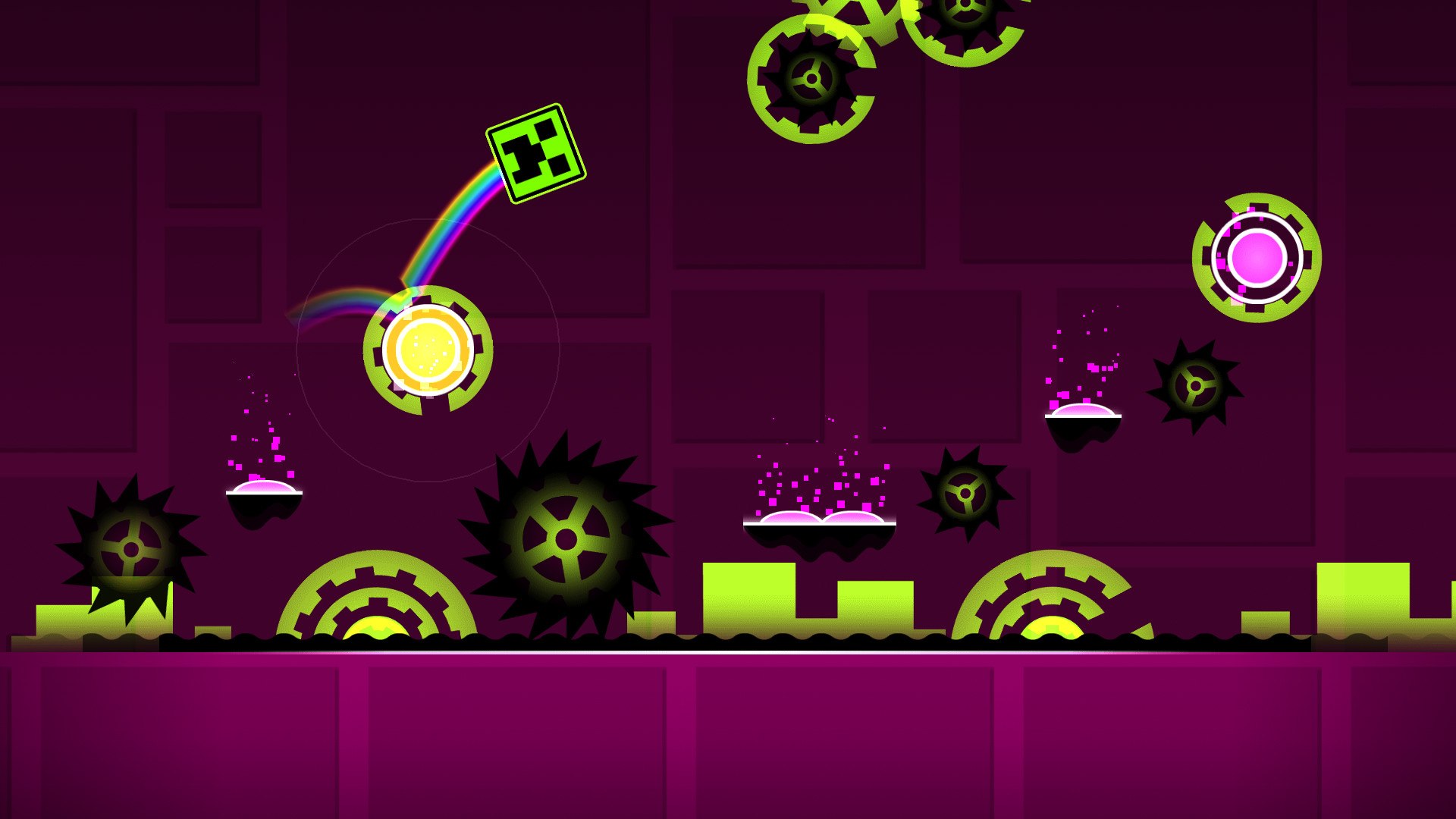
Platformer mode, added in 2.2, removes the auto-scrolling camera. You move left and right yourself, stop whenever you want and explore the level. The Jetpack is the flying vehicle designed for that style.
What changes in platformer mode
In a classic level, the screen moves you forward at a set speed and you control only one input. In platformer mode you have direction controls as well as the action button, so you control your timing and your position.
RobTop’s 2.2 release included four official platformer levels next to the 22 classic levels, for 26 levels in total. The 2.209 patch added platformer saving and custom platformer controls, which helps on long levels where you used to lose your progress.
The skills transfer, but not completely. Platformer levels lean more on careful positioning and less on reflexes. Players who are good at Wave corridors can still struggle with a long platformer run.
Jetpack vs Ship
The Jetpack handles much like the Ship: hold to thrust up, release to fall. The difference is that in platformer mode you also steer horizontally and can hover in place. The Ship always moves forward.
Did you know?
According to Prima Games, the Jetpack was designed for platformer mode, but creators have also put it into normal auto-scrolling user levels.
That is why counts differ. Guides such as Switchblade Gaming’s beginner guide list nine modes, including the Jetpack. Others list the eight classic vehicles, because those are the ones the main classic levels use. Both counts are reasonable. If you mean “every vehicle you can control”, the answer is nine.
Portals that change how every mode behaves
Gamemode portals switch your vehicle. Other portals change how that vehicle moves: they flip gravity, shrink your icon, mirror the screen, change speed, teleport you or split you into two icons. Most of what makes a mode hard comes from these modifiers.
| Portal | Effect | Modes most affected | Why it matters in play |
|---|---|---|---|
| Gravity portal | Flips gravity upside down, or back to normal | Cube, Ship, Robot, UFO | Your input now pushes the other way, so learned habits fail |
| Mini (size) portal | Shrinks the icon; a normal-size portal restores it | Wave, Ship, Cube | Smaller hitbox but a lower jump or steeper wave angle |
| Mirror portal | Flips the screen horizontally | All | Changes what you see, not the physics; it disrupts reading |
| Speed portal | Changes scroll speed (half speed up to 4x) | Wave, Ship | Same inputs, less reaction time |
| Teleport portal | Moves you instantly to a linked exit | Spider, Cube | Breaks your read of the level’s flow |
| Dual portal | Splits you into two mirrored icons | All, especially Wave and Ship | You control two icons with one input |
Gravity and mini portals
A gravity portal flips which way “up” is. In the Ship, holding now pushes you toward the floor. A mini portal shrinks your icon. You fit through tighter gaps, but the physics change: a mini Cube jumps lower, and a mini Wave travels at a steeper angle.
This is what the popular “how far can each gamemode fall?” and “which gamemode can pass it?” clips are showing. The comparison is about each mode’s arc, gravity response and hitbox. The Wave’s straight line, the UFO’s hop and the Spider’s teleport all handle the same drop very differently.
Analyst note
When you see a mini portal, expect a smaller icon and a different arc. A jump you cleared at normal size can fall short when mini, so treat the section after a mini portal as new.
Speed and mirror portals
Speed portals don’t change your controls. They give you less time to react. A Wave corridor at 4x speed (introduced in 2.0) uses the same inputs as at 1x, but the gaps in your timing shrink.
Mirror portals flip the screen left to right. The physics stay the same, but your eyes have to adjust, which is why creators often place them right before a hard section.
Dual mode
A dual portal, first used in Hexagon Force, splits you into two icons that move in opposite directions on one input. Dual Wave is the hardest version: you have to keep two straight-line paths safe at once. The usual approach is to watch whichever icon is closer to danger and let the other one follow.
Which game mode is the hardest?
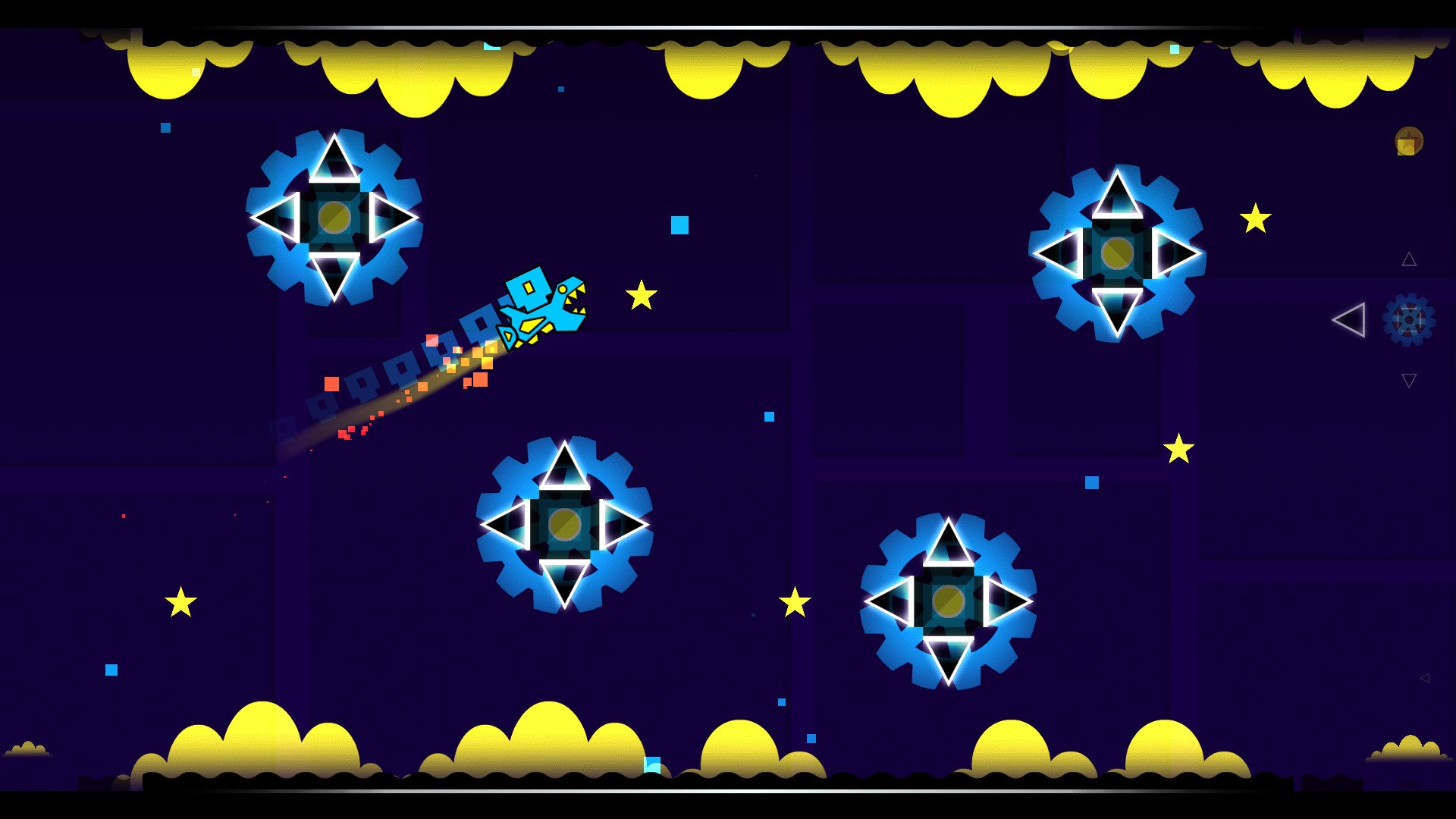
Most players say the Wave, and the physics agree. It is the only mode with no curve to forgive late inputs. Every hold-or-release decision turns straight into a fixed angle, and corridors leave only a few pixels of room.
So is the Wave really the hardest, or is it the Ship? The Ship is harder to start with, because a new player has no instinct for straight flight. The Wave is harder at high levels, because corridors at 3x or 4x speed punish one wrong frame. Unlike the Ship, it can’t drift back to safety.
Is the Swing harder than the Wave? For most players, not at the same difficulty. The Swing’s arcs give some slack if your rhythm is slightly off. Its difficulty is consistency: holding an even click rhythm through long sections without drifting.
Spider teleport reads are the hidden difficulty. They test vision more than hands, because you can’t correct a teleport once it happens.
How to practice each mode
Practice mode lets you place checkpoints and restart from them, so you can repeat one hard section until it sticks. A run in practice mode doesn’t count as a normal completion, but you can use it as often as you like.
Entering practice mode
Quick steps: Practice a hard section
- Start a level, then open the pause menu.
- Press the practice mode button (the green bottle icon).
- Place a checkpoint before the section (Z on PC, the on-screen button on mobile).
- Remove a bad checkpoint with X on PC or the remove button.
- Once you can clear the section several times in a row, play it in normal mode.
Did you know?
According to the Geometry Dash Wiki, Cycles, xStep and Clubstep are the only levels that give icon rewards for a practice-mode completion.
The 2.209 patch also added death markers and a Start Position Switcher, according to RobTop’s announcement. Death markers show where you keep failing. A start position puts you right at the section you want to work on.
Mode-specific drills
| Mode | Drill | Signs you’ve got it |
|---|---|---|
| Ship | Ten-second straight lane | You don’t touch the ceiling or floor |
| Wave | Checkpoint at each corridor, five clean runs per corridor | Clean runs from the start |
| Swing | Steady click rhythm through a lane | No drift toward one wall |
| Robot | Short hops only, then full jumps only | You choose the right jump without thinking |
| Spider | Watch once, mark each teleport, then play | No surprise teleports |
| UFO | One tap per beat | The hop pattern matches the song |
For a broader walkthrough of early levels, see our Geometry Dash guide for new players.
What’s next: update 2.21 status
Update 2.21 has not been released and has no announced date as of November 20, 2026. The two biggest planned features are Explorers, a browser for discovering levels, and The Map. Fan sites have predicted release dates in 2025 and 2026, and none of those dates came true.
Stay safe
Any “Geometry Dash 2.21” or “2.3” APK online is fake. The real update will come through the App Store, Google Play and Steam. Unofficial downloads can contain malware and steal your account details.
Why doesn’t your mobile version have the update Steam got? That used to be common. Patch 2.202 reached Steam on January 8, 2024, before it reached mobile. The 2.209 patch shipped on all three platforms at once, so check your store for updates before assuming something is missing.
Find people to practice modes with
Geometry Dash Discord servers help you improve faster than practising alone, because someone else can spot the habit that keeps killing you. They usually fall into four types:
- Practice and feedback servers: post a clip of a Wave corridor or Ship section and ask what you’re doing wrong.
- Level-request servers: often tied to streamers, who play levels that members submit.
- Creator and collab servers: where players build levels together and learn how creators use portals.
- Demonlist communities: focused on the hardest levels, including routes and practice tips.
When you join, say which mode and which section you’re stuck on. “Wave at 3x in Blast Processing” gets useful answers. “I’m bad at Wave” doesn’t. Never share your account password, and ignore anyone offering “free Nitro” or early 2.21 builds.
The best next step is to pick the one mode that keeps ending your runs and spend a week on it in practice mode with checkpoints. Most players stall on one mode, not on the whole game, and fixing that mode tends to unlock several levels at once.
FAQ
How many game modes are in Geometry Dash?
There are eight classic modes: Cube, Ship, Ball, UFO, Wave, Robot, Spider and Swing. Counting the Jetpack, the platformer vehicle added in 2.2, makes nine.
What are all the game modes in Geometry Dash?
Cube, Ship, Ball, UFO, Wave, Robot, Spider, Swing and Jetpack. Platformer mode is a separate level type that changes how you move.
What is the newest game mode in Geometry Dash?
The Swing and the Jetpack, both added in Update 2.2 on December 19, 2023. No new modes have been added since.
What is the Swing in Geometry Dash?
A round, rocket-like vehicle that flips gravity on every click. It floats in arcs between the floor and ceiling, and you steer it with your click rhythm.
What is the Jetpack in Geometry Dash and is it the same as the Ship?
It handles much like the Ship: hold to rise. In platformer mode you can also steer horizontally and hover. Creators sometimes use it in classic levels too.
What is platformer mode in Geometry Dash?
A level type from 2.2 with no auto-scrolling camera. You move left and right, stop and explore, unlike classic levels where the screen pushes you forward.
What is the hardest game mode in Geometry Dash?
The Wave, especially narrow corridors at high speed, because its straight-line movement gives no room for late inputs. The Ship is harder to learn at first.
How do you go into practice mode in Geometry Dash?
Pause a level and press the practice button (the green bottle). Then place checkpoints with Z on PC or the on-screen button on mobile.
Is Geometry Dash appropriate for kids?
The App Store rates it 4+, and the game has no violent or adult themes. Online features let players share levels and comments, so parents may want to keep an eye on that side.
What is the 22nd level of Geometry Dash?
Dash, added in Update 2.2. It is the first official level with the Swing.
About this article

Written by Joseph Smith
Joseph Smith is a digital nomad born in the 90s who grew up on PlayStation platformers and Halo 2 multiplayer. He plays Counter-Strike and Dota 2 competitively and started Toopics to bring gamers closer together, especially through Discord. More about Joseph
- Published
Sources (8)
- Portals | Geometry Dash Wiki (geometry-dash.fandom.com)
- Practice Mode | Geometry Dash Wiki (geometry-dash.fandom.com)
- Update 2.0 | Geometry Dash Wiki (geometry-dash.fandom.com)
- Update 1.8 | Geometry Dash Wiki (geometry-dash.fandom.com)
- Main Levels | Geometry Dash Wiki (geometry-dash.fandom.com)
- Update 2.209 | Geometry Dash Wiki (geometry-dash.fandom.com)
- RobTop Games on X: Geometry Dash update 2.209 is out now (x.com)
- Geometry Dash version history (biligame wiki) (wiki.biligame.com)