
Geometry Dash is a one-button rhythm platformer from RobTop Games. You tap or hold to steer an icon through obstacles synced to music, and one hit sends you back to the start. This guide covers the controls, game modes, which version to buy, and how to clear the early main levels without burning out.
About Geometry Dash
Robert Topala, the Swedish developer behind RobTop Games, created Geometry Dash and released it on iOS and Android in August 2013. The Steam version followed in December 2014. Update 2.2 arrived in December 2023, almost seven years after 2.1. It added the Swing game mode, a platformer mode, a new main level called Dash, and a large upgrade to the level editor.
The core loop is simple. Your icon moves forward automatically. You jump, fly or flip gravity to avoid spikes, saws and walls. Every level shows a percentage bar, so you always know how far you got before you crashed.
People search for it under many names: geo dash, geometric gaming, geometry gaming. They all mean the same game. The appeal is the challenge. Most players need dozens or hundreds of attempts to beat a hard level, and memorizing a level is part of how you beat it.
Which Version Should You Play?
RobTop has released one full game and three free spin-offs, plus Geometry Dash Lite, a free limited version of the main game. The full game is the one worth your money if you plan to play for more than a weekend.
| Version | Price | Content | Release |
|---|---|---|---|
| Geometry Dash (full) | Paid (about $2 mobile, about $5 Steam) | 22 main levels, online levels, level editor | 2013 mobile, 2014 Steam |
| Geometry Dash Lite | Free with ads | Selection of early main levels, no editor | 2013 |
| Geometry Dash Meltdown | Free | 3 levels | 2015 |
| Geometry Dash World | Free | 10 levels across two worlds | 2016 |
| Geometry Dash SubZero | Free | 3 levels (Press Start, Nock Em, Power Trip) | 2017 |
Geometry Dash vs. Geometry Dash Lite
Lite is a demo. It gives you the opening main levels so you can test whether the game clicks with you. You get ads, no level editor and no access to the online library of player-made levels.
That online library is the real game. Millions of community levels sit behind the online tab, sorted by difficulty, recency and featured status. If you clear Lite’s levels and want more, buy the full version. The free spin-offs are short and polished, but you will finish SubZero in an evening.
Geometry Dash Controls
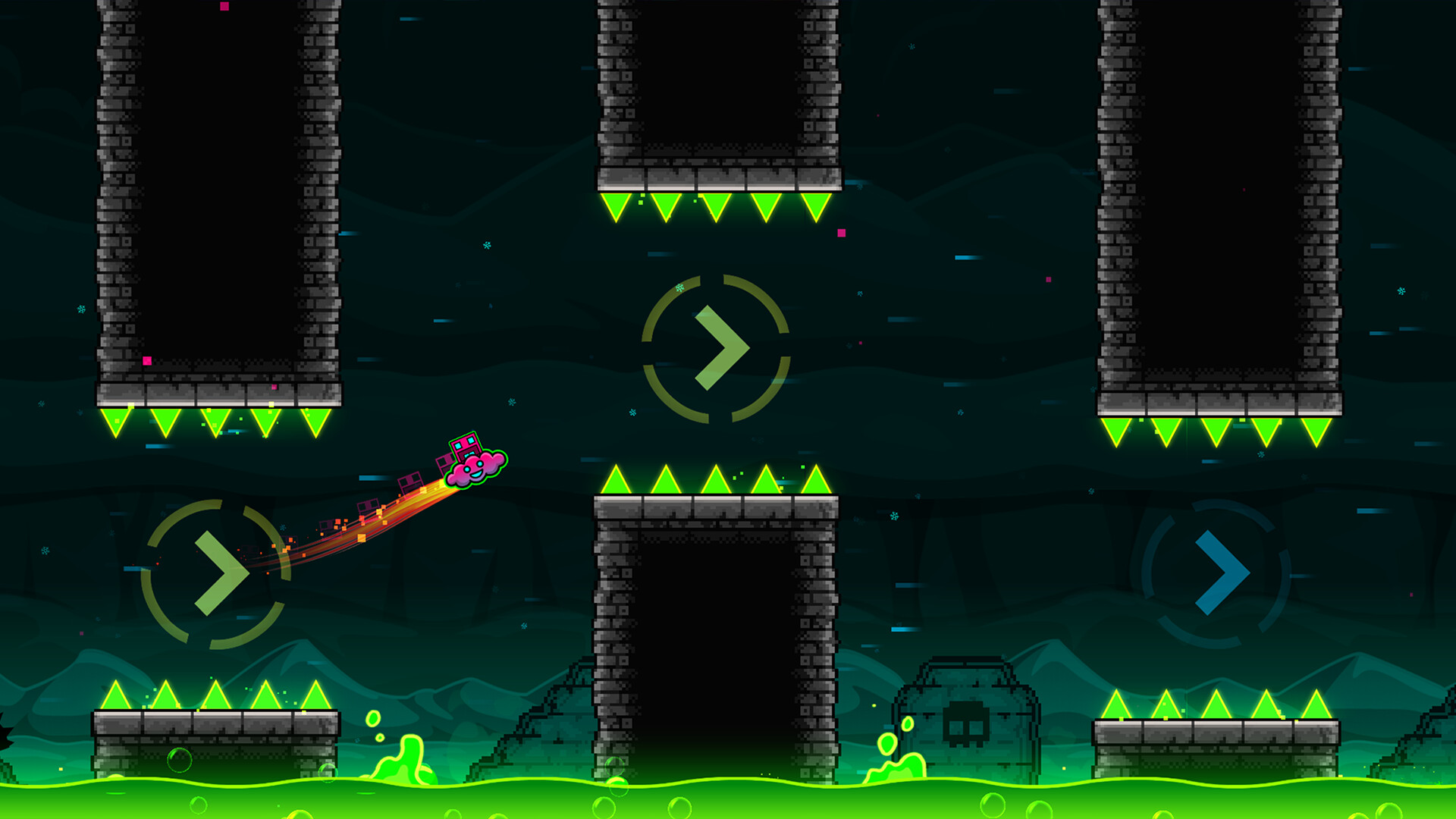
Every mode uses the same single input. What changes is how your icon reacts to it.
| Platform | Jump / main input | Platformer movement | Practice checkpoints |
|---|---|---|---|
| PC (Steam) | Space, Up arrow, W or left click | A/D or left/right arrow | Z to place, X to remove |
| Mobile | Tap anywhere on screen | On-screen arrow buttons | On-screen buttons |
On PC, Escape pauses. Pick one input and stick with it. Switching between spacebar and mouse mid-session hurts your timing more than you expect.
Analyst note
Holding the input makes the cube jump again the moment it lands. On a long run of evenly spaced spikes, holding is more consistent than tapping each one.
Geometry Dash Game Forms
Portals switch your icon into a different form mid-level. There are eight game modes after update 2.2. Learning how each one responds to a hold versus a tap is most of the early skill curve.
| Mode | Input | How it moves |
|---|---|---|
| Cube | Tap or hold | Jumps a fixed height; hold to keep jumping |
| Ship | Hold | Rises while held, falls when released |
| Ball | Tap | Flips gravity between floor and ceiling |
| UFO | Tap | Small flap upward with each tap |
| Wave | Hold | Moves diagonally up while held, diagonally down when released |
| Robot | Hold | Longer hold gives a higher jump |
| Spider | Tap | Teleports instantly to the opposite surface |
| Swing | Tap | Flips gravity while flying, added in 2.2 |
Platformer mode is separate from these forms. It lets you move left and right freely instead of auto-scrolling, and it is mostly found in newer online levels.
Portals, orbs and pads you will meet early
- Gravity portals (blue and yellow) flip you upside down or back.
- Speed portals change scroll speed, from slow (0.5x) up to very fast (4x).
- Size portals shrink your icon, which makes it react more sharply.
- Mirror portals flip the screen direction.
- Yellow orbs and pads give a normal or high jump. Tap an orb in midair. Pads trigger on contact.
- Pink orbs and pads give a small jump.
- Blue orbs and pads flip gravity.
- Green orbs flip gravity and jump at the same time.
- Black orbs slam you downward.
Geometry Dash Difficulty
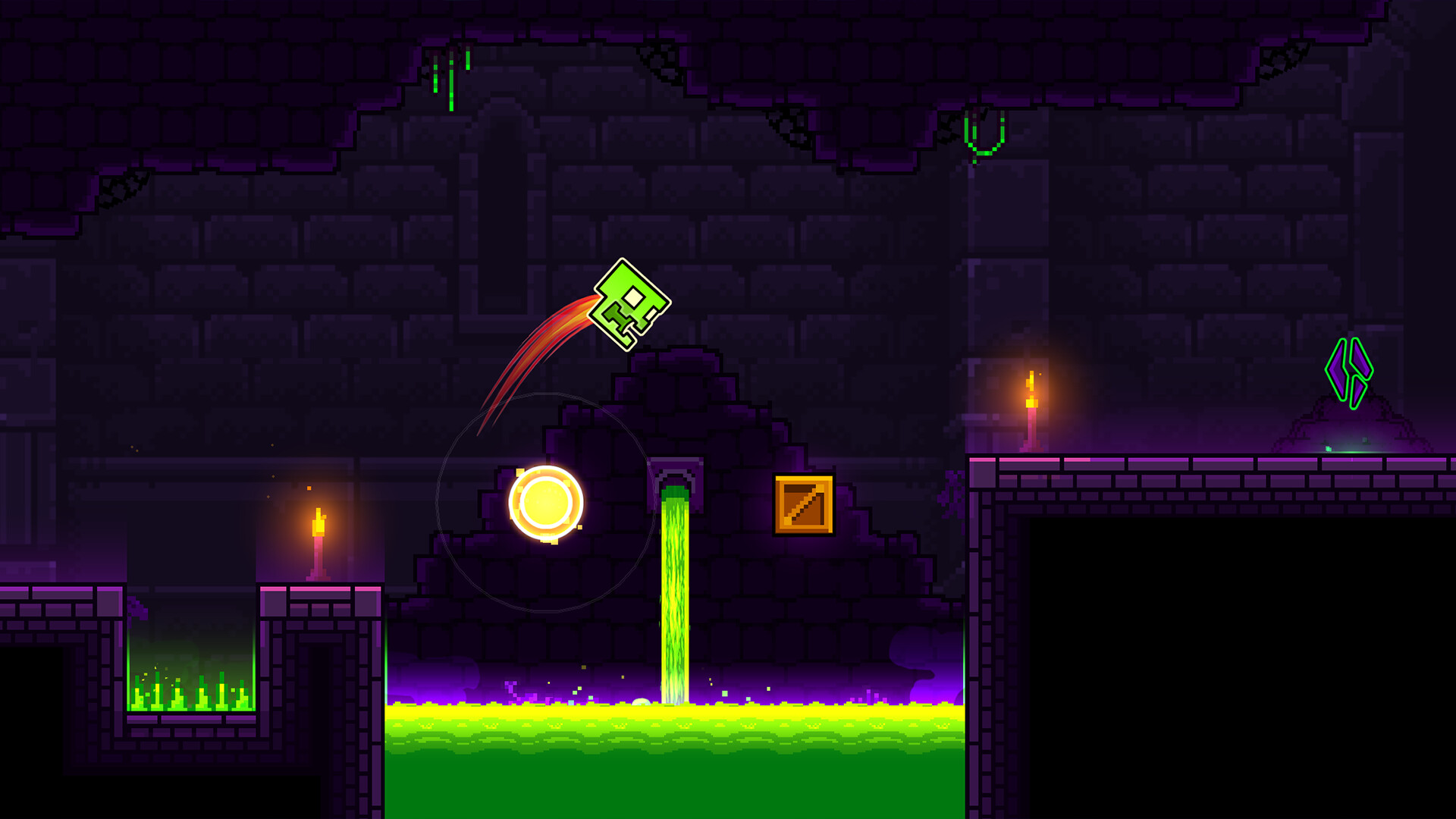
Every level carries a face icon showing its difficulty, plus a star value. Stars are the main progress currency. They unlock icons and track your overall skill.
| Difficulty | Stars (online levels) |
|---|---|
| Auto | 1 |
| Easy | 2 |
| Normal | 3 |
| Hard | 4 to 5 |
| Harder | 6 to 7 |
| Insane | 8 to 9 |
| Demon | 10 |
Demons are split into five tiers: Easy, Medium, Hard, Insane and Extreme. The community-run Demonlist ranks the hardest Extreme Demons. As a new player, ignore it for a while. Those levels take top players thousands of attempts.
Explore the Levels: The Main Path
The full game has 22 main levels made by RobTop. Each has three secret coins hidden on alternate paths. Here are the first ten, which form your learning curve.
| # | Level | Difficulty | Stars | What it teaches |
|---|---|---|---|---|
| 1 | Stereo Madness | Easy | 1 | Cube timing, first ship section |
| 2 | Back on Track | Easy | 2 | Jump pads and longer cube runs |
| 3 | Polargeist | Normal | 3 | Jump orbs, faster reactions |
| 4 | Dry Out | Normal | 4 | Gravity portals |
| 5 | Base After Base | Hard | 5 | Tighter ship corridors |
| 6 | Can’t Let Go | Hard | 6 | Precise cube jumps |
| 7 | Jumper | Harder | 7 | Speed changes |
| 8 | Time Machine | Harder | 8 | Gravity flips under pressure |
| 9 | Cycles | Harder | 9 | Mixed portals and orbs |
| 10 | xStep | Insane | 10 | Fast ship and cube transitions |
After xStep come Clutterfunk, Theory of Everything, Electroman Adventures and the first demon, Clubstep. The main path ends with levels like Deadlocked and Fingerdash, and Dash was added as level 22 in update 2.2. Clubstep, Theory of Everything 2 and Deadlocked are the three main demons. Expect a big difficulty jump at each one.
Where to go after the main levels
Once you clear the first ten, branch out:
- Daily and Weekly levels. RobTop picks a fresh community level every day, plus a harder Weekly Demon.
- Gauntlets. Themed sets of five community levels.
- Map packs. Grouped community levels with bonus stars and coins.
- Featured online levels. Search by difficulty to find Easy and Normal levels at your level.
How to Play Geometry Dash Efficiently
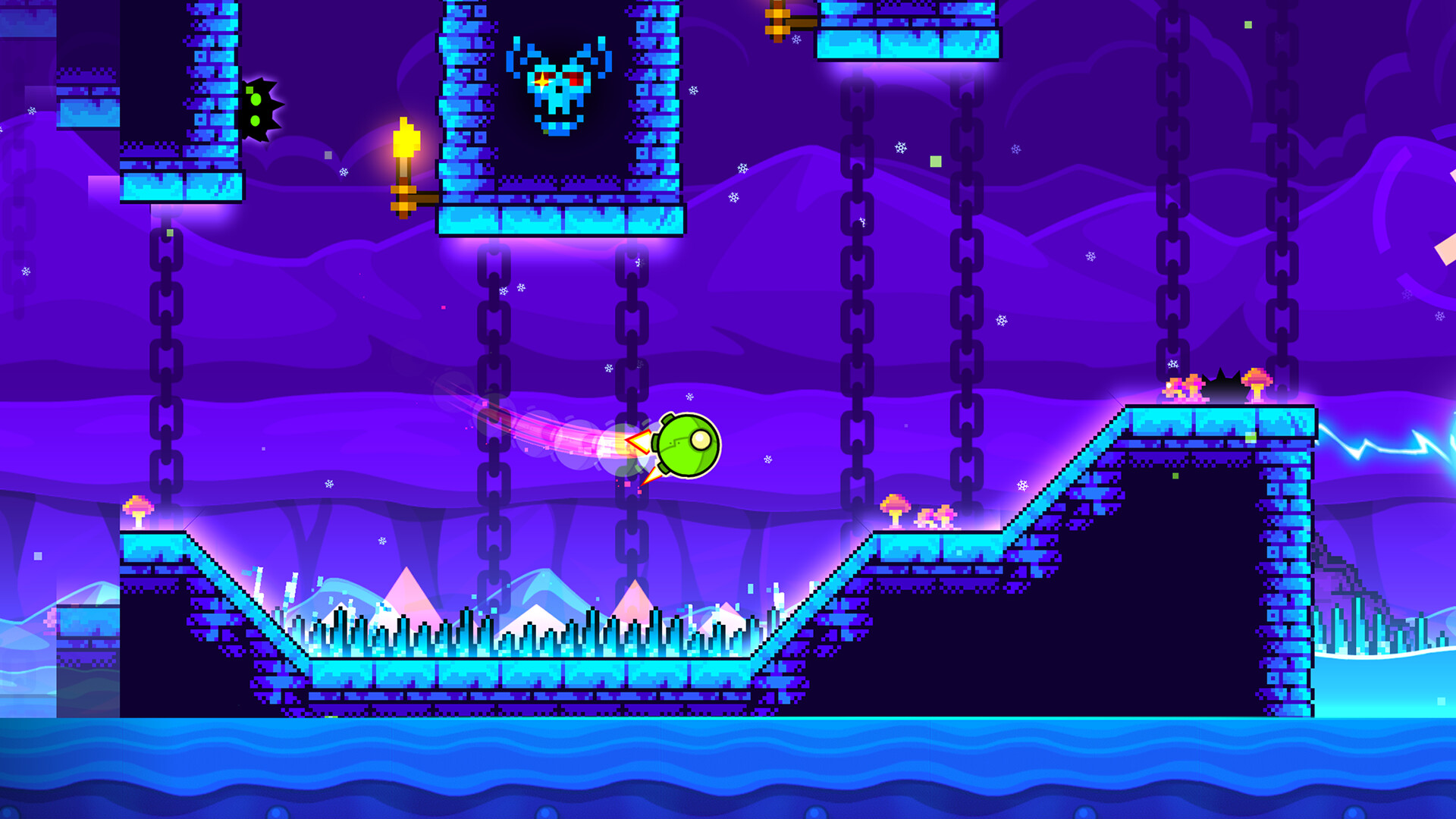
Most new players play normal mode over and over until they get frustrated. A better system is to learn first in practice mode, then prove it in normal mode.
Quick steps: learning a new level
- Play the level once in normal mode to hear the song.
- Switch to practice mode and place checkpoints before hard sections.
- Clear the full level in practice at least twice.
- Return to normal mode and run it from 0%.
- Note your best percentage and target the section that stops you.
Use practice mode properly
Practice mode drops checkpoints so a crash sends you back seconds, not minutes. Place a checkpoint right before each new section, not in the middle of one. If you place it mid-jump, you will practice a broken version of the timing.
Turn on Auto-Checkpoints in the options menu if you find manual placement distracting.
Turn on the right settings
| Setting | Recommended | Why |
|---|---|---|
| Show Percentage | On | Lets you track exact progress per attempt |
| Show Progress Bar | On | Gives a visual sense of how far a section runs |
| Auto-Retry | On | Restarts instantly, so you stay in rhythm |
| VSync | Off on PC | Reduces input delay on fast inputs |
| FPS cap | Match or exceed your monitor | Smoother frames make timing more readable |
Geometry Dash runs on modest hardware, so you do not need a high-end “gaming pc” to play it well. A higher refresh rate monitor helps on fast wave and ship sections, but it is a late upgrade, not a starter requirement.
Tips to Get Better at Geometry Dash
- Play to the music. Main levels are built on the beat of the song. Jumps line up with drums. If you start hearing the timing, you stop needing to see every spike.
- Jump late on triple spikes. Cube jumps have a fixed arc. Jumping too early lands you on the third spike. Wait until you are almost touching the first one.
- Tap lightly in the ship. New players over-hold. In tight corridors, use short taps and let the ship float instead of climbing hard.
- Hold the wave, don’t fight it. The wave goes in straight diagonal lines. Commit to each direction instead of making tiny corrections.
- Learn the spider and ball as tap-only modes. The spider teleports instantly, while the ball still travels through the air before it reaches the opposite surface. One extra tap flips you into a wall.
- Ignore coins on your first clear. Coins usually sit on harder alternate paths. Beat the level, then return for them.
- Stop after a few bad runs in a row. Tilt is real in this game. If your best percentage keeps dropping, take a break and come back.
- Watch a full run of a level before you start. Seeing the route ahead of time saves you dozens of attempts spent discovering fake paths.
Analyst note
Your best percentage matters less than how often you reach it. If you hit 60% in one out of every ten attempts, practice the section around 60% until you pass it in half your runs.
Unlocks: Icons, Coins and Shops
Progress in Geometry Dash shows up mostly in your icon kit. Stars, secret coins, achievements and Daily levels unlock new cubes, ships, colors and trails.
There are two coin types. Gold secret coins come from main levels. Silver user coins come from verified online levels. Both count toward unlocks.
The game also has shops run by in-game characters. You spend mana orbs, earned from playing levels, in places like Scratch’s Shop and the main Shop. Scratch is a character inside Geometry Dash. That is a different Scratch from the MIT coding platform, which has its own fan-made Geometry Dash remakes. If you enjoy those browser recreations, our guide to “scratch games” covers more of what the platform offers.
Geometry Dash Unblocked: What You Are Actually Getting
Search results for “geometry dash unblocked” point to browser sites aimed at school and work networks. Know what these are before you play them.
RobTop does not publish an official browser version. The browser games on these sites are fan recreations or unofficial copies. They often differ from the real game in physics, timing and level layouts. Your progress there does not carry over to an account in the real game.
Stay safe
Avoid any site offering the full Geometry Dash for free as a download. These files are a common route for malware, and cracked copies cannot connect to the online level library anyway.
The same goes for mod menus, cheat tools and third-party “hack” downloads. They risk your device and can get your account banned from leaderboards. The legitimate free option is Geometry Dash Lite or the free spin-offs on official app stores.
Finding a Geometry Dash Community
The game has a large community of level creators, verifiers and players who swap tips on specific sections. Discord servers are where most of that happens. Look for servers with channels for level requests, practice help and creator showcases.
When you join, keep your Geometry Dash account password to yourself. Scammers in gaming servers offer “free full version” links and fake account boosts. Server admins can cut that down with moderation tools; our guide to “discord bots for gaming” covers the ones that filter suspicious links and raids.
FAQ
Is Geometry Dash free?
Geometry Dash Lite, Meltdown, World and SubZero are free. The full game with online levels and the editor costs about $2 on mobile and about $5 on Steam. Regional prices vary.
Is there an official browser version of Geometry Dash?
No. RobTop has not released one. Browser versions you find online are unofficial recreations, and they do not connect to the real game’s online levels or your account.
How many main levels are there?
There are 22 main levels after update 2.2, starting with Stereo Madness and ending with Dash. Each one hides three secret coins.
What should I play after the main levels?
Start with Easy and Normal featured online levels, then try Gauntlets and the Daily level. When you can clear Insane main levels consistently, try an Easy Demon from the online library.
What did update 2.2 add?
Update 2.2 launched in December 2023. It added the Swing game mode, a platformer mode, the main level Dash, Event levels and a major expansion of the level editor.
Is geo dash the same as Geometry Dash?
Yes. “Geo dash” is a common shorthand for Geometry Dash. Searches for geometric gaming or geometry gaming usually point to the same game or its browser copies.